
Long range
360° LiDAR
- Builds a live facility map, refreshed every 30 seconds
- Plans routes around congestion and obstructions
- Lines up precisely at each delivery point
Wireless docking & charging is now available for Model C2 Large, PartPorter, and Heavy. Learn more
Software & app
Quasi AI® runs onboard every Model C2 and handles the hard part: navigating safely around people. Your team sets up zones and routes right on the robot, sends carts from a phone, and tracks results in a browser.
Quasi AI
Quasi AI combines long-range mapping, short-range sensing, and depth perception to plan routes and react instantly to people and obstacles.
Long range
Short range
Depth
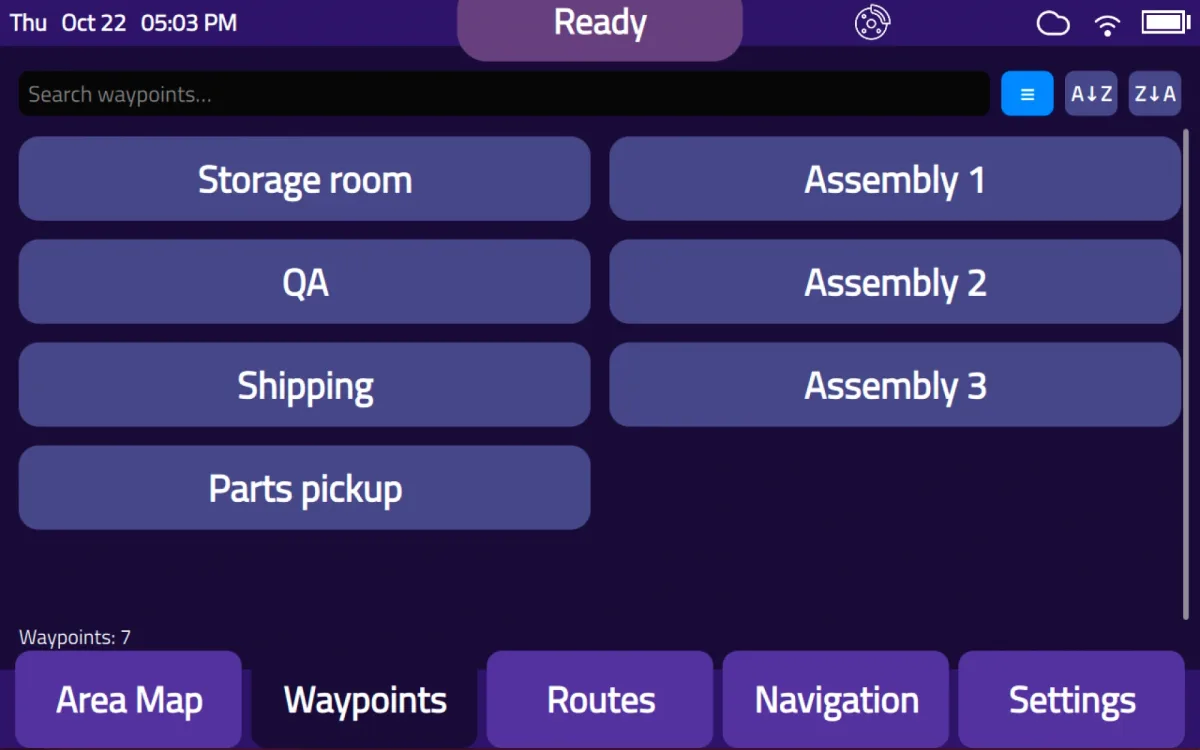
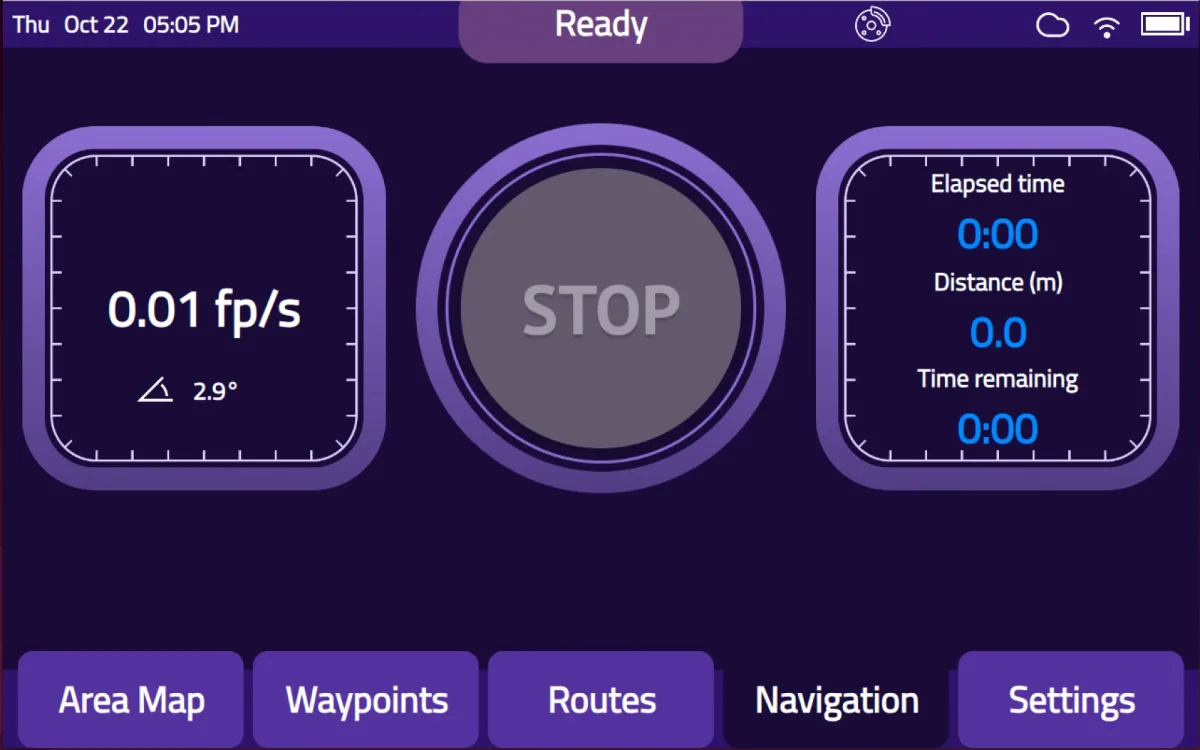
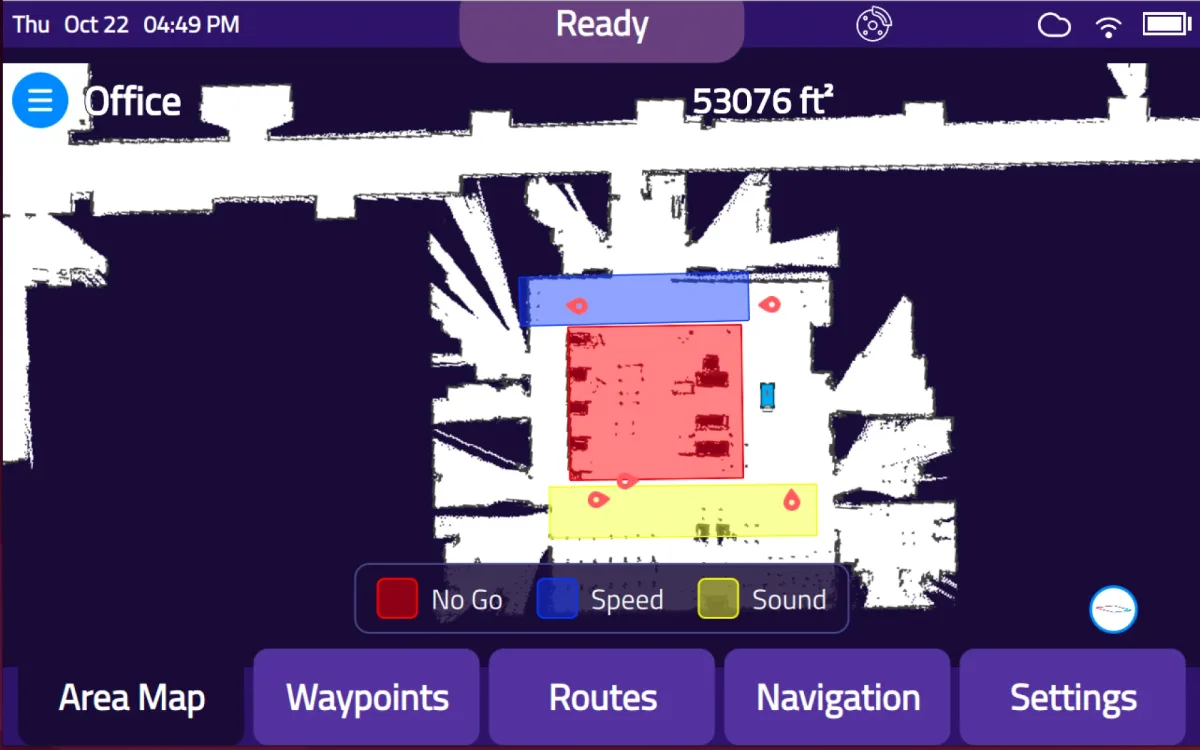
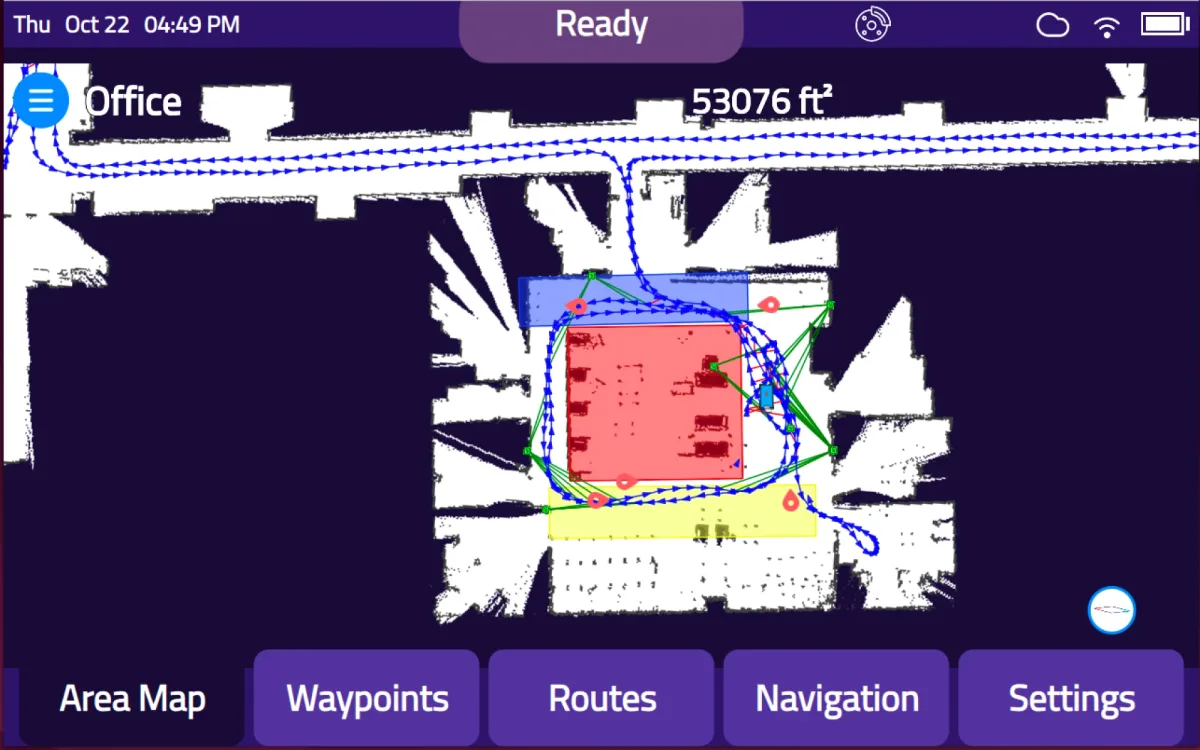
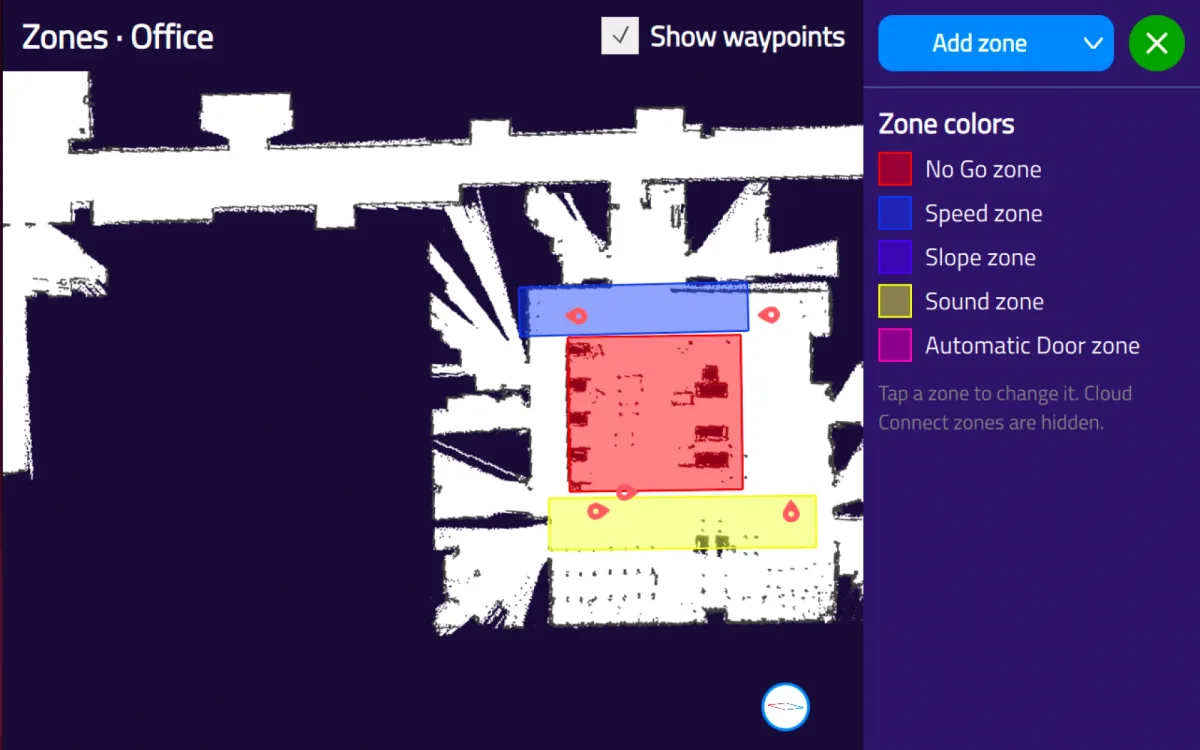
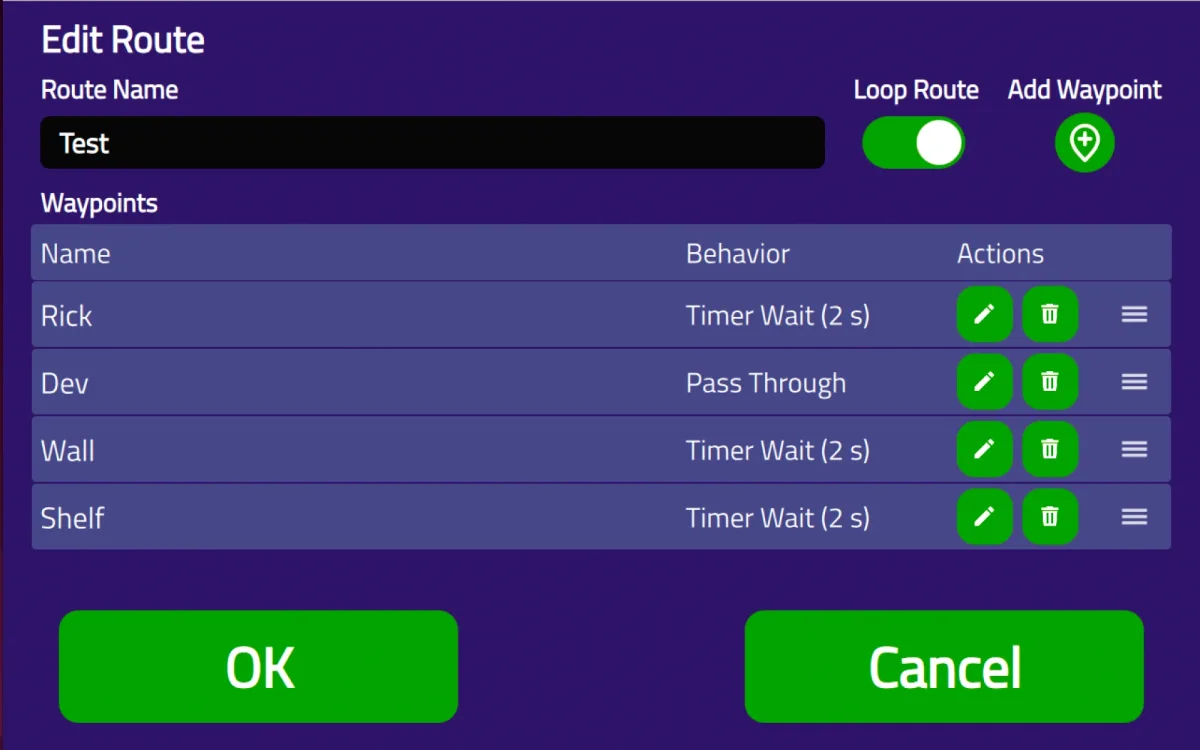
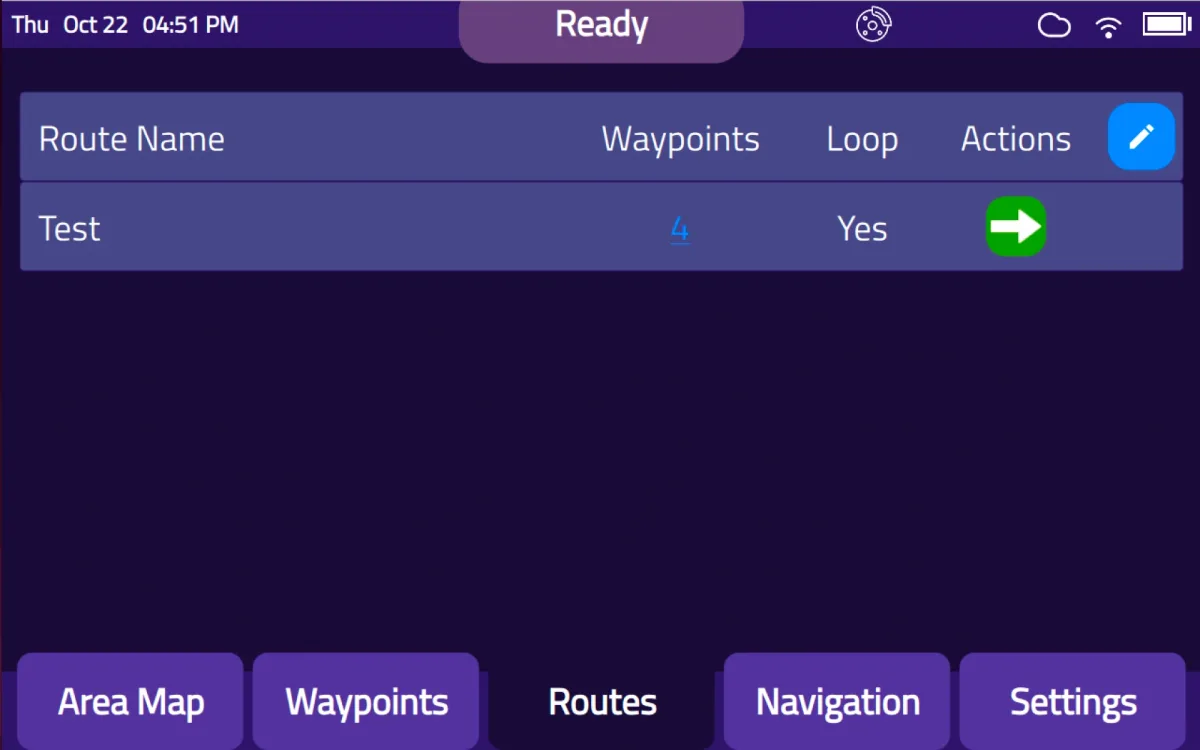
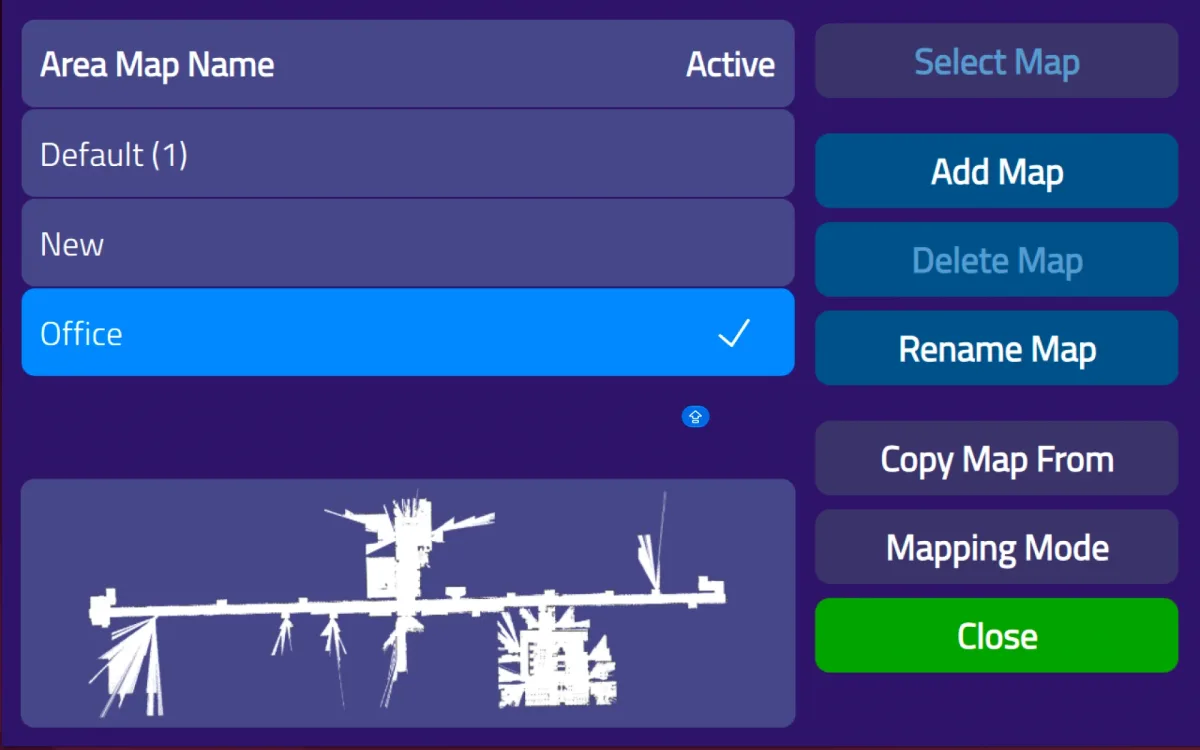
On the robot
Set up and run deliveries right on the robot, with no laptop and no training.
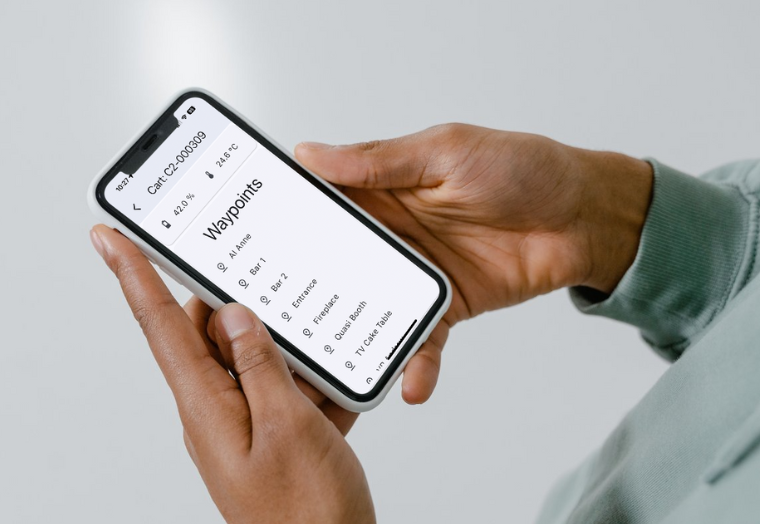
From any device
Call a cart to any Waypoint from a phone, tablet, or browser. It works over local Wi-Fi, without external internet.
In your browser
See what your robots deliver, prove the return, and get help when you need it, all in one browser-based portal.
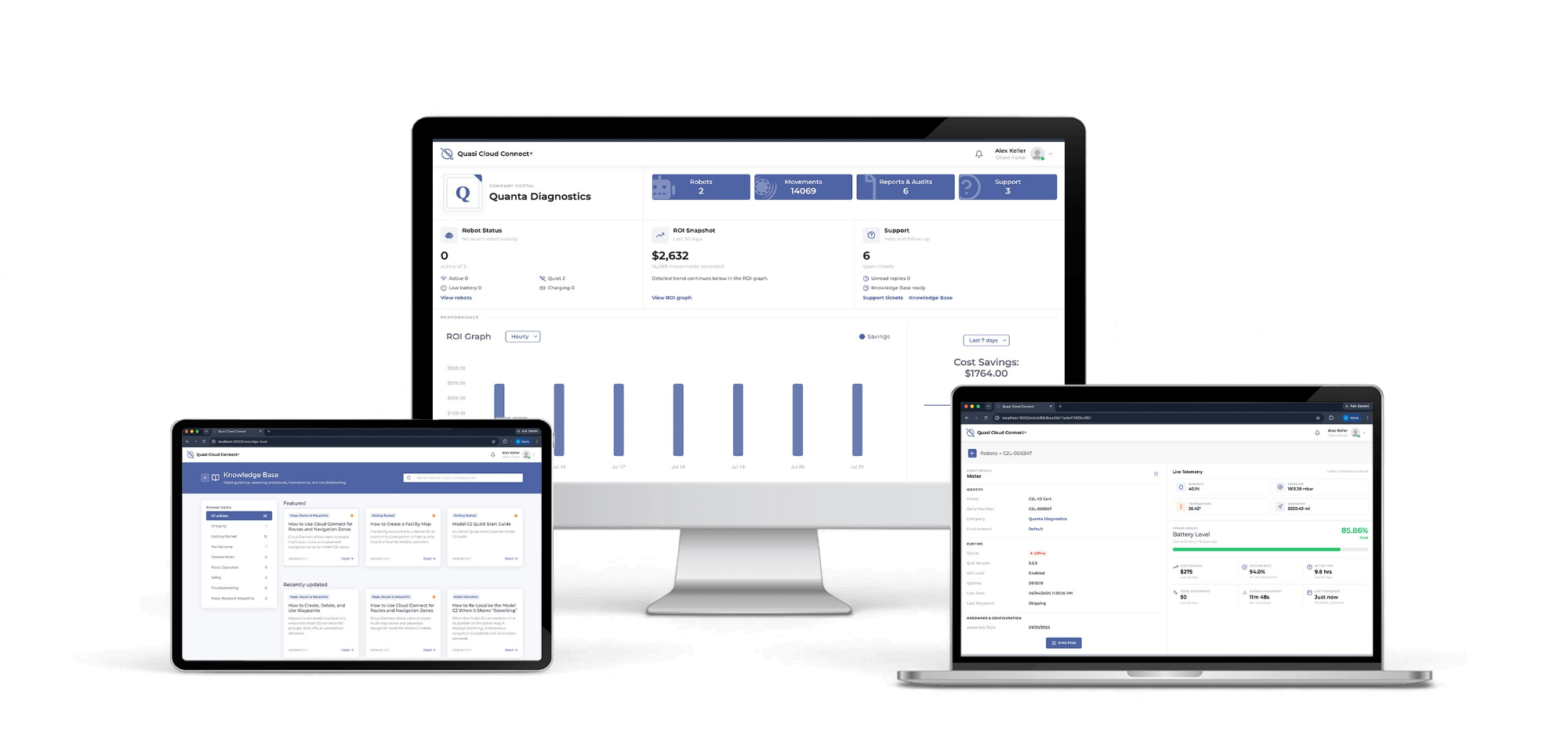
Performance dashboards to spot bottlenecks and reduce downtime.
Track the return on every robot, with traceable, exportable reports for audits.
Setup and operating guides, right inside the portal.
Open and follow support requests without leaving Cloud Connect.
Running a fleet
Cloud Connect’s fleet features coordinate robots that share aisles, floors, elevators, and buildings.
Areas only one robot can enter at a time, so carts never meet in tight spaces.
Deliveries that span floors, with the robot switching maps as it changes floor.
Ride elevators as part of a route. Depending on the elevator, C2 controls it directly or through Cloud Connect.
Coordinate deliveries with your building management system.
Connect deliveries to your warehouse, hospital, or laboratory management software.
Set how robots respond in an emergency, so evacuation routes stay clear.
Running Model C2 alongside other robots? See fleet orchestration with InOrbit.
At a glance
Set up on the robot, send carts from anywhere, and run the fleet from your browser.
| Task | Touchscreen | C2 Remote app | Cloud Connect® |
|---|---|---|---|
| Map your facility | Yes | — | — |
| Draw zones no-go, speed, sound & light, slope, door | Yes | See them on the map | Yes |
| Build multi-stop routes | Yes | Start them | Yes |
| Fleet analytics and ROI reports | — | — | Yes |
| Knowledge base and support tickets | — | — | Yes |
| Fleet features exclusion, multi-floor, elevator, and evacuation zones | — | — | Yes |
| Needs internet access | No | No, local Wi-Fi is enough | Yes |
Always improving
Model C2 keeps getting better through regular software releases.
InOrbit fleet management, enhanced collision-avoidance controls, improved navigation, streamlined Waypoint creation.
Expanded fleet dashboards, detailed ROI reporting, and an enhanced client portal.
Operate Model C2 alongside other robots through InOrbit Connect.
Larger floor plans, better route planning, more precise Waypoints, and automatic door integration.
Better navigation visibility, safety features, and a redesigned interface.
Improvements across navigation, safety, fleet management, diagnostics, and user experience.
Connecting to other systems? See fleet & integrations.
A short demo covers the touchscreen, the app, and Cloud Connect, using your own workflow.