
Optional deployment services
Deploy faster. Scale smarter.
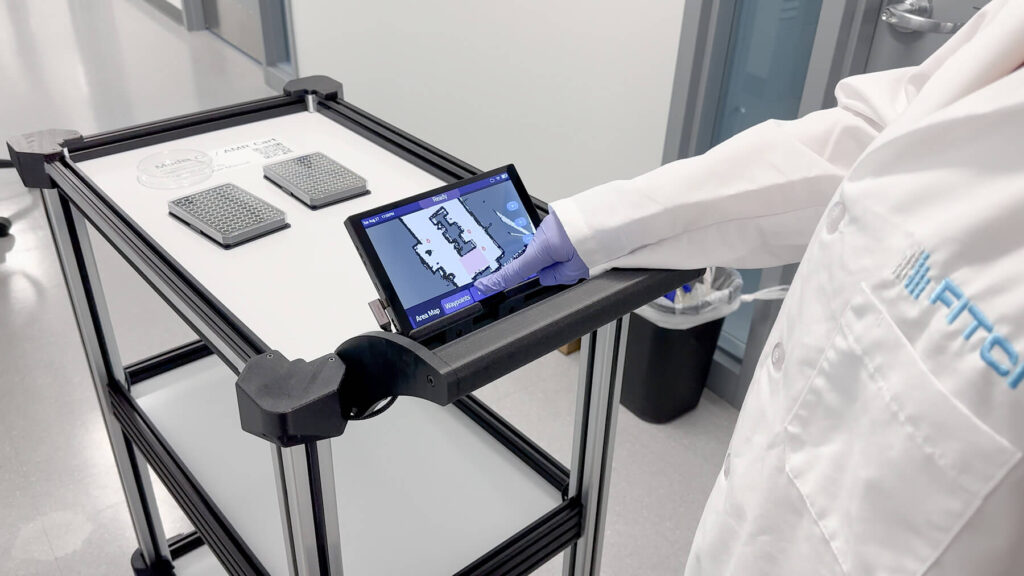
Most customers set up Model C2 themselves in under an hour. For complex sites, with doors and elevators, several floors, or business systems to connect, our engineers deploy and integrate it with you, on-site or remote.
- Quoted per project
- On-site or remote
- One robot to many facilities
End-to-end support
With you at every stage.
Whether you’re deploying a single robot or scaling across multiple facilities, our experienced team is ready to help.

1 · Deploy
On-site deployment assistance
Calibration and validation tuned to your layout, traffic patterns, and daily workflows.
- Facility mapping and environment calibration
- Waypoint and route creation
- Zone-based navigation rules
- Validation of navigation accuracy and safety behaviors

2 · Integrate
Advanced & multi-facility integration
Hardware and system integration for complex environments and cross-facility logistics.
- Integration with automatic doors
- Elevator integration for multi-floor delivery
- Cross-zone and cross-department routing strategies
- Advanced system validation for unattended operation
3 · Train
Training & operational readiness
Successful deployment goes beyond technology. Hands-on training, on-site or remote, gets your team confident and ready.
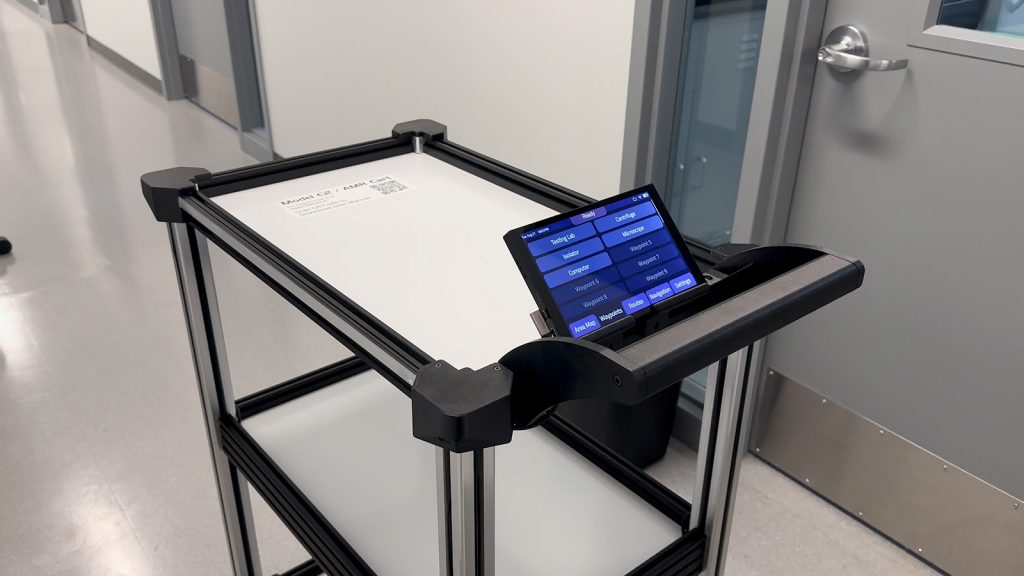
- Model C2 operation
- Cloud Connect® use and monitoring
- Route creation, zone management, and system updates
- Best practices for daily operation and scaling
4 · Configure
Traffic, safety & environment configuration.
Additional configuration for safe, efficient operation in busy, changing spaces.
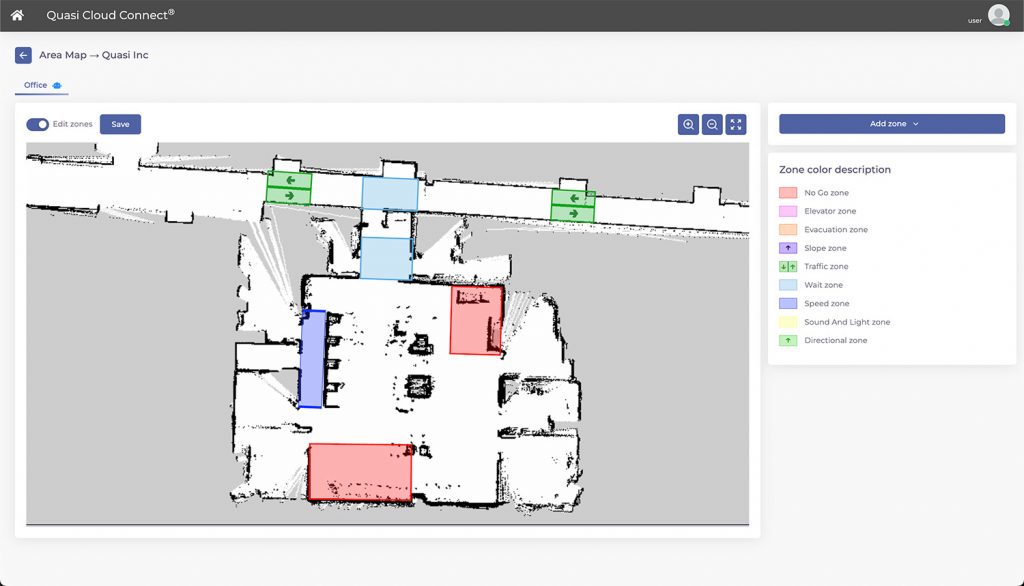
Traffic lanes
Lanes and preferred traffic paths.
Speed areas
Safe speeds where people and robots share space.
Performance audit
Validation of safety logs and zone trigger efficiency.
Evacuation procedure
Emergency zones and evacuation route logic.
Awareness zones
Sound and light settings for awareness and site compliance.
Custom behaviors
Behaviors aligned with your operational policies.
5 · Connect
Enterprise & API integration
Model C2 is built on open, robust APIs. We connect it to your existing digital ecosystem, from architecture design to implementation, testing, and validation.
- Architecture design
- API implementation
- Testing
- Validation
Your systems
- ERP
- Inventory
- WMS
- MES
- Custom apps
Setting up a standard site?
You probably don’t need any of this. Most customers set up Model C2 themselves in under an hour: tap, map, deploy, done.
Built for scale, designed for reality.
From first deployment to full enterprise integration, our team is ready to help you move faster, safer, and smarter.